
- 12JunDraft
- 26JunScheduled
- 03JulScheduled
Meetings
Run the meeting. We’ll do the paperwork.
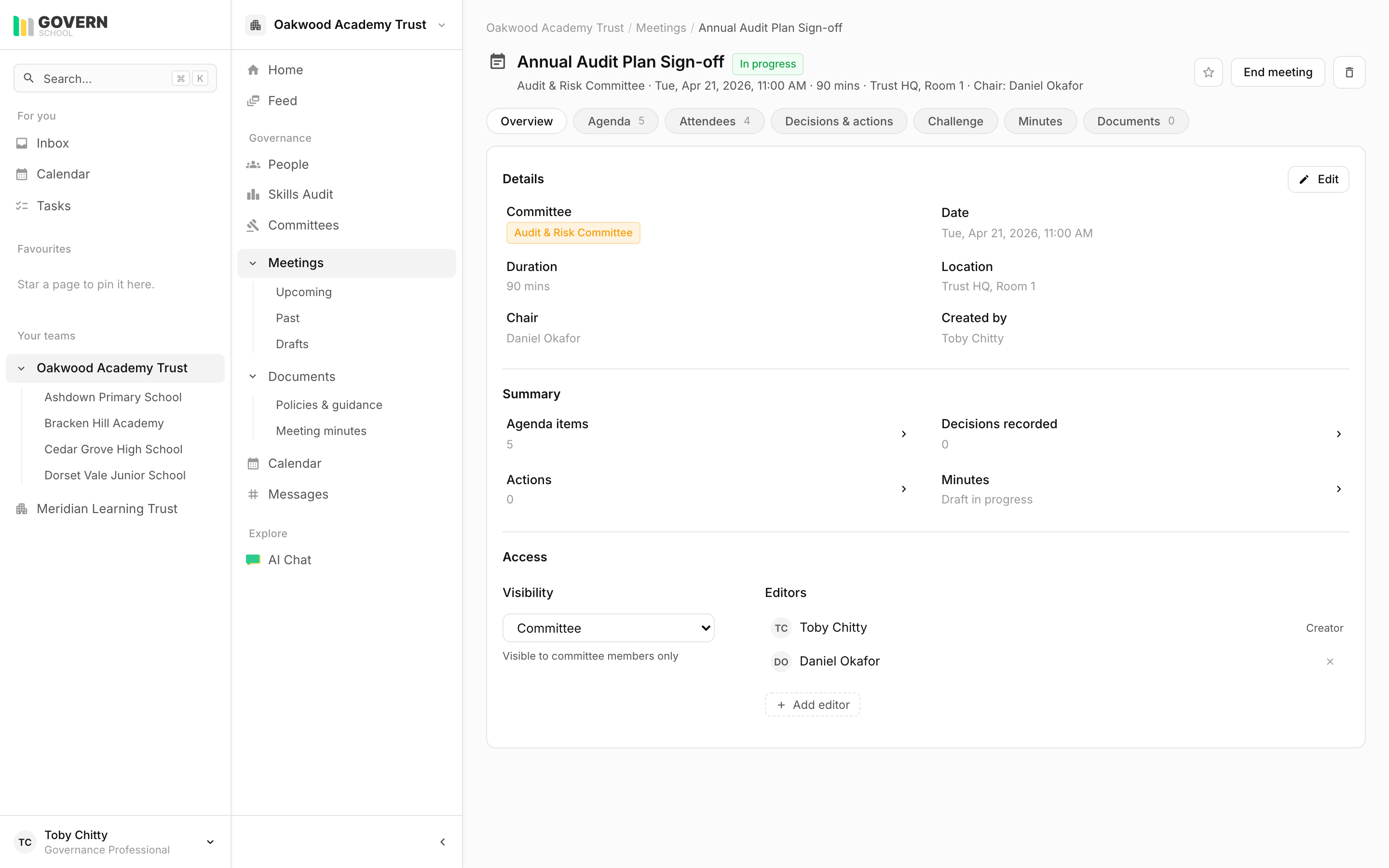
Agenda, attendees, decisions, evidence of challenge, minutes, published in one flow. Clerks start at 80% drafted, not from a blank page.
Schedule
Schedule a meeting in 30 seconds.
Pick the committee, attendees come with the committee, location and link are remembered. Visibility is set per meeting, confidential boards are properly confidential.
- Committees carry attendees and clerk by default
- In-person, Teams, Zoom, hybrid, all supported
- Visibility: public, members, attendees only
Agenda
Agendas your governors will actually read.
Drag to reorder, assign owners, set durations, attach the documents that go with each item. The papers travel with the agenda.
- Per-item owner, duration, notes, document attachments
- Drag-to-reorder; agenda items have a stable URL
- Generated from your last committee’s agenda or a saved template
Attendance
RSVP, register, apologies, threshold.
Apologies require the chair to accept them, they don’t auto-disappear. Attendance is captured during the meeting; the register exports as a PDF by academic year.
- RSVP vs actual attendance tracked separately
- Chair-only acceptance of apologies
- 75% threshold highlighted in the year view
Evidence of challenge
The thing Ofsted asks for, logged properly.
Each agenda item can carry challenges with attribution and a leadership response. No more ‘evidence of challenge’ reconstructed from memory before inspection.
- Multiple challenges per agenda item
- Attributed to one or more governors
- Leadership response captured inline
From draft to published, in one workflow.
No more email-the-doc-to-chair-then-back-to-clerk. The minutes workflow is built in, and the AI does the boring 80%.
Draft
Clerk drafts the minutes. The AI pre-fills 80% from the agenda, decisions, and challenge.
Submit for review
Sent to the chair. Editing is locked. The chair can comment inline.
Approved
Chair approves. The minutes are immutable from this point.
Published
Minutes are published as a versioned document. Optional portal publication for parents.
The AI pre-fill includes attendance, decisions, actions, and the challenge log, formatted for your committee’s usual template.
Calendar
Every trust event, one read-only month view.
Meetings, committee deadlines, document review dates. Subscribe from Outlook or Google.
See the meeting workflow on your own data.
We’ll set up a fake meeting in your trust during the demo and walk it from agenda to publication.